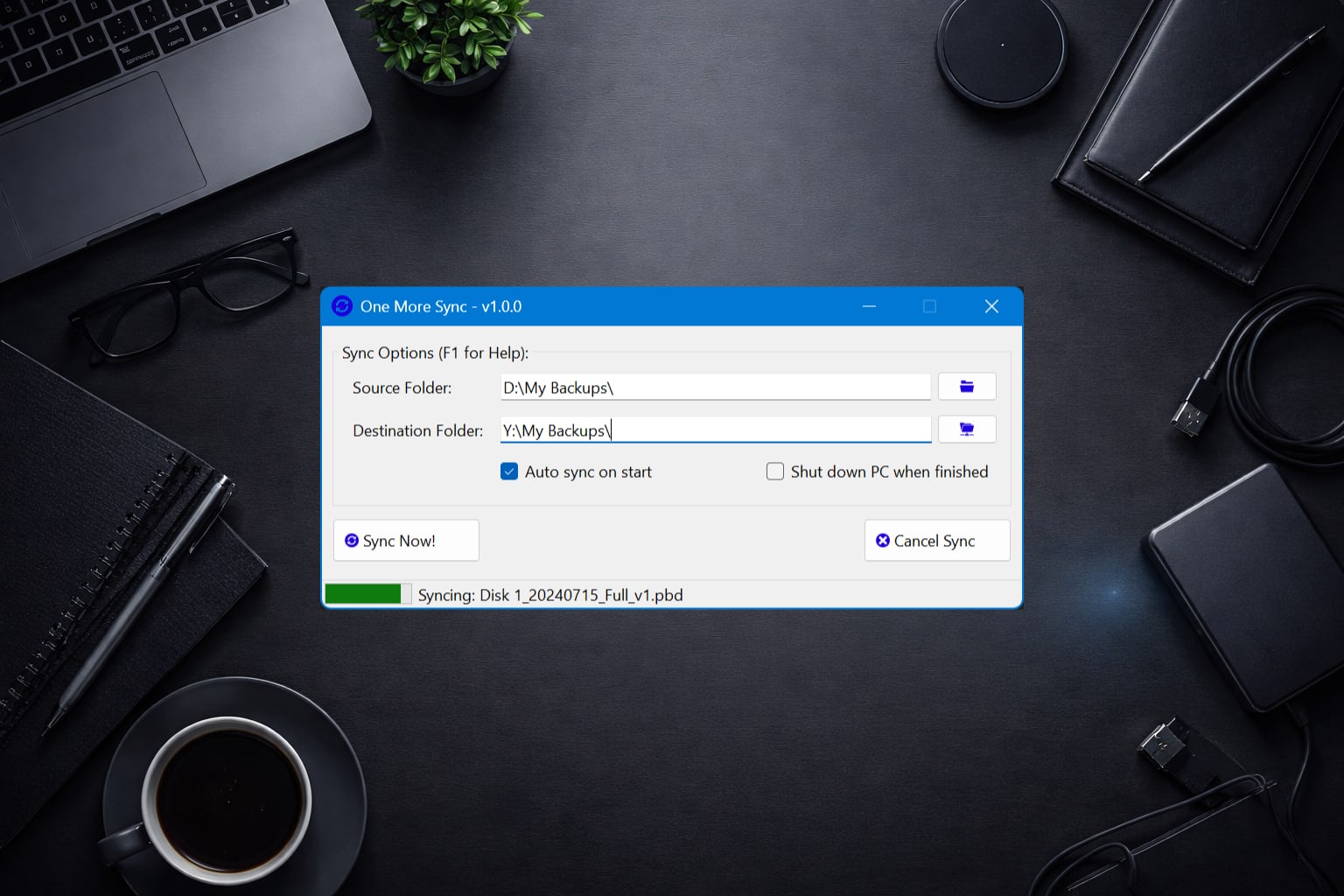
Overview
Focused, deterministic synchronisation
One More Sync copies new and changed files from a source folder to a destination folder, and nothing else. It compares files by size and checksum, so it copies only what changed and logs what it did.
Run it by hand, or let it start minimised after a short delay for unattended runs; it can even shut the PC down when it finishes. There are no cloud accounts, background services or hidden scheduled tasks.
Real product interface
One More Sync screenshots
Select the image to open it at full size.
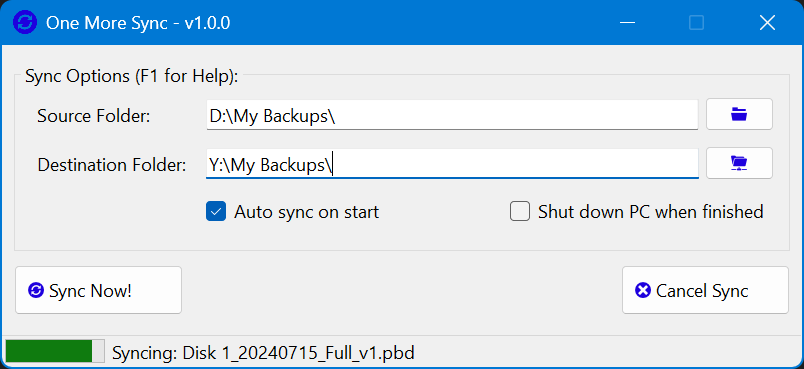
Choose the source and destination, then sync: one way, verified by checksum.
Features
What it does
- One-way synchronisation, from source to destination.
- Copies only new or changed files.
- Compares by file size and MD5 checksum.
- Works with local, external and network folders.
- Manual or delayed automatic start, minimised for unattended runs.
- Optional shutdown when the sync completes.
- Detailed local logs for every run.
Requirements
System requirements
- Windows 10 or Windows 11
- The .NET runtime is included
- NTFS-compatible drives
- A standard user account
Download
One More Sync 1.0.0
Released on 13 January 2026. Free to download and use under the license. It is no longer developed and is offered as it is.
-
Installer
Windows 10 and Windows 11 · apps_onemoresync.zip, 41.3 MB
SHA-256
d4e19648eee0c3ee77d336a10c779ead9b1a647582f3e07b4c848896dbe97e1b
To check a download, run certutil -hashfile apps_onemoresync.zip SHA256 in the folder that holds it; the result should match the line above.
Getting started
From ZIP to running
- Download the ZIP and unzip it, keeping its folders together.
- Run setup.exe and follow the installer.
- Choose the source folder and the destination folder.
- Select Sync Now, or turn on Auto sync on start for unattended runs.
The installer isn’t code-signed, so SmartScreen may ask for confirmation the first time.
Privacy
No telemetry, no account
One More Sync runs on your PC with no account, analytics or telemetry. When you choose a network folder, the app reads or copies files over the network to or from that folder. It keeps its run log on your PC and checks burzcast.com for a newer version when it starts. No new version is published.